
CUSTOM TERMINALS / COMMANDER / MCP
Your servers.
Your working tools.
We build SSH terminals, Commander workspaces and MCP connections around the way your team manages systems.
Desktop applications, browser workspaces and integrations.
THE APPLICATION YOU NEED
Connect the work that belongs together.
A diagnostic check can lead to a file change, a service review or a maintenance run. Build the tools around that sequence, with the target and outcome kept in view.
Custom SSH Terminal Development
Custom SSH clients with saved servers, tabbed sessions, file transfers and operator controls. Design, development, testing and handover by DSDillon.
Explore the workCustom Desktop Commander Development
Develop a desktop command workspace for files, services, logs, diagnostics and approved maintenance, connected to your terminal and infrastructure.
Explore the workCustom MCP Server Development
Connect AI clients to approved tools with custom MCP servers, scoped authorization, session controls, predictable results and deployment support.
Explore the workBrowser Terminal and Web SSH Development
Build a browser terminal for an internal portal or SaaS product with authenticated sessions, host boundaries, WebSocket handling and recovery controls.
Explore the workCustom SFTP and Remote File Manager Development
Build SFTP browsing, uploads, downloads, file editing and change checks into a terminal, internal application or customer support portal.
Explore the workRunbook and Infrastructure Automation Development
Build repeatable maintenance workflows with checked inputs, target selection, approval steps, failure handling and operation records.
Explore the workBUILT BY DSDILLON
Two parts of our infrastructure toolset.
The desktop Terminal includes our Commander workspace. The MCP connector gives an authorized client a separate route to server operations and their results.
DESKTOP APPLICATION
DSDillon Terminal and Commander
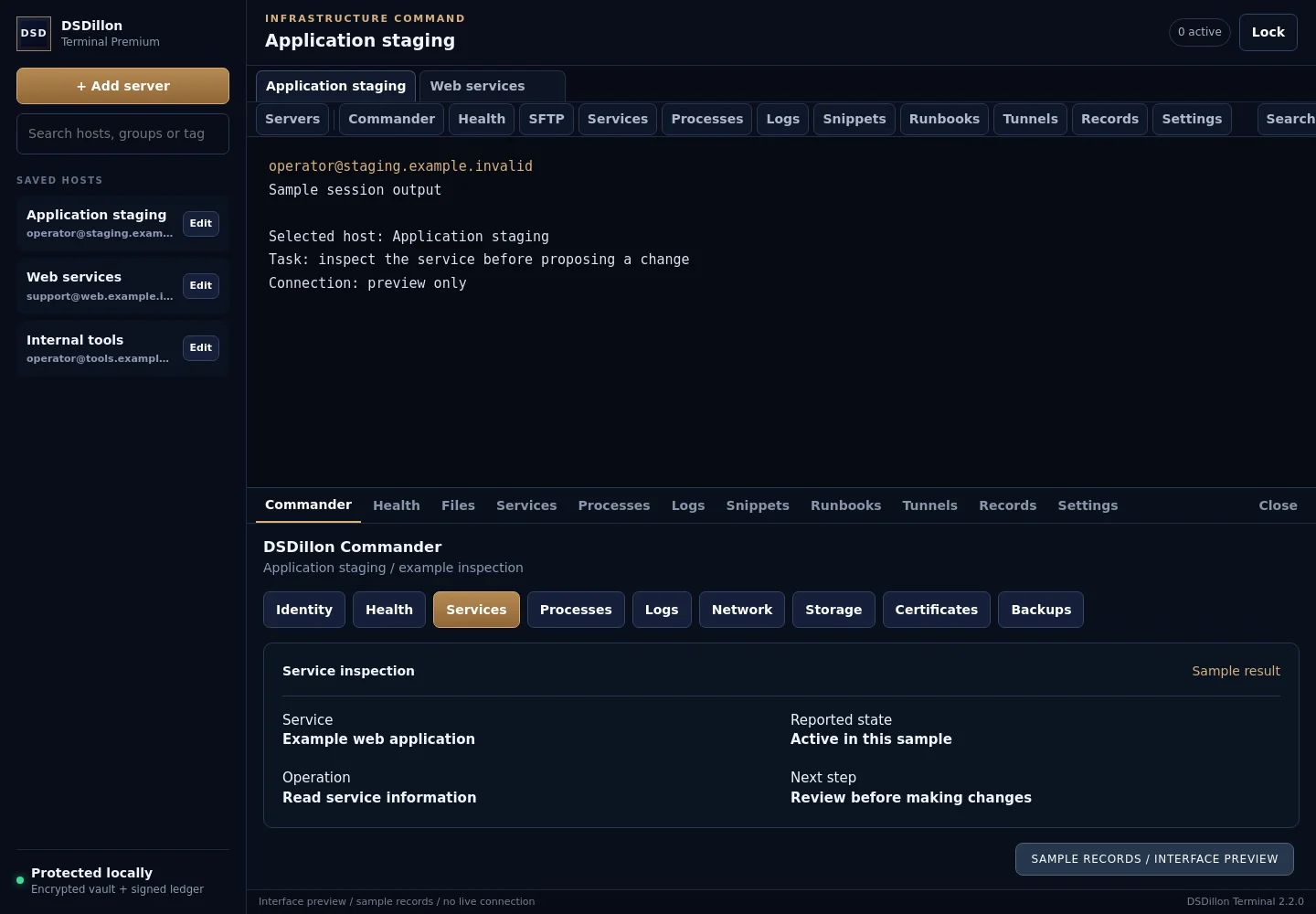
DSDillon Terminal combines SSH sessions, SFTP and its own Commander panels. Saved hosts, file work, routine checks and operation records share the selected server. The reviewed desktop release is 2.2.0.
Read the case studyMCP INTEGRATION
DSDillon MCP Terminal Connector
The DSDillon terminal connector exposes ten tools for authorized server inspection, command execution and interactive session control. Results include exit state, output and timing, with separate permissions for reading, execution and administrative operations.
Read the case studyFOLLOW THE RESULT
Keep the next action tied to what happened.
A completed check, failed operation and running job need different responses. The interface should show the target, state and evidence an operator needs.
Explore MCP developmentInteractive example / no live connection
What does the result tell the operator?
{
  "example": true,
  "task": "Service inspection",
  "target": "Application staging",
  "exit_code": 0,
  "stdout": "Sample service status: active",
  "stderr": "",
  "timed_out": false
}
The check returned a result. The operator can review the evidence before choosing another action.
Start with a familiar working day.
Bring the tasks that matter to your support staff, engineers or business operators.
Terminal and Commander Tools for Hosting Support
Custom support consoles for hosting teams, with scoped shell access, SFTP, diagnostics, customer boundaries and recorded maintenance.
Explore the workInternal Terminal and File Tools for Businesses
Build an internal server workspace with selected diagnostics, remote files, operator permissions and a clear route from request to result.
Explore the workDeployment and Maintenance Console Development
Custom deployment consoles with release checks, approved switches, backups, health tests and traceable maintenance records.
Explore the workAI Assisted Infrastructure Tool Development
Connect an assistant to approved inspection and maintenance tools with clear permissions, bounded output and operation records.
Explore the workPlan the scope before the build.
Compare options, decide what must be recorded and agree how the application will be supported.
Custom Terminal or Existing SSH Client?
Compare custom terminals and established SSH clients by workflow fit, credentials, integrations, ownership, support and migration requirements.
Explore the workCommander Workspace, SSH or Remote Desktop?
Choose command tools, SFTP, Commander panels or graphical desktop access around the task, permissions and operating environment.
Explore the workWhat Does Custom Terminal Development Cost?
Plan custom terminal costs across platforms, connections, permissions, rollout, security review and ongoing maintenance.
Explore the workAvailable across DSDillon markets
Remote development for businesses in North America, the Caribbean, Europe, Asia, the Middle East, the Pacific and South America. Language, hosting and local installation needs are agreed for each project.
Find your marketPLAN YOUR WORKSPACE
Which task takes too many steps today?
Tell us the systems, operators and work involved. We will scope the interface, connections and delivery.
